How We Built an Embeddable AI Chat Widget for Third-Party Apps
The architecture decisions, tradeoffs, and lessons from building a multi-tenant AI chat widget that any external application can embed with a single script tag.
by Akinur Rahman
07/04/2026
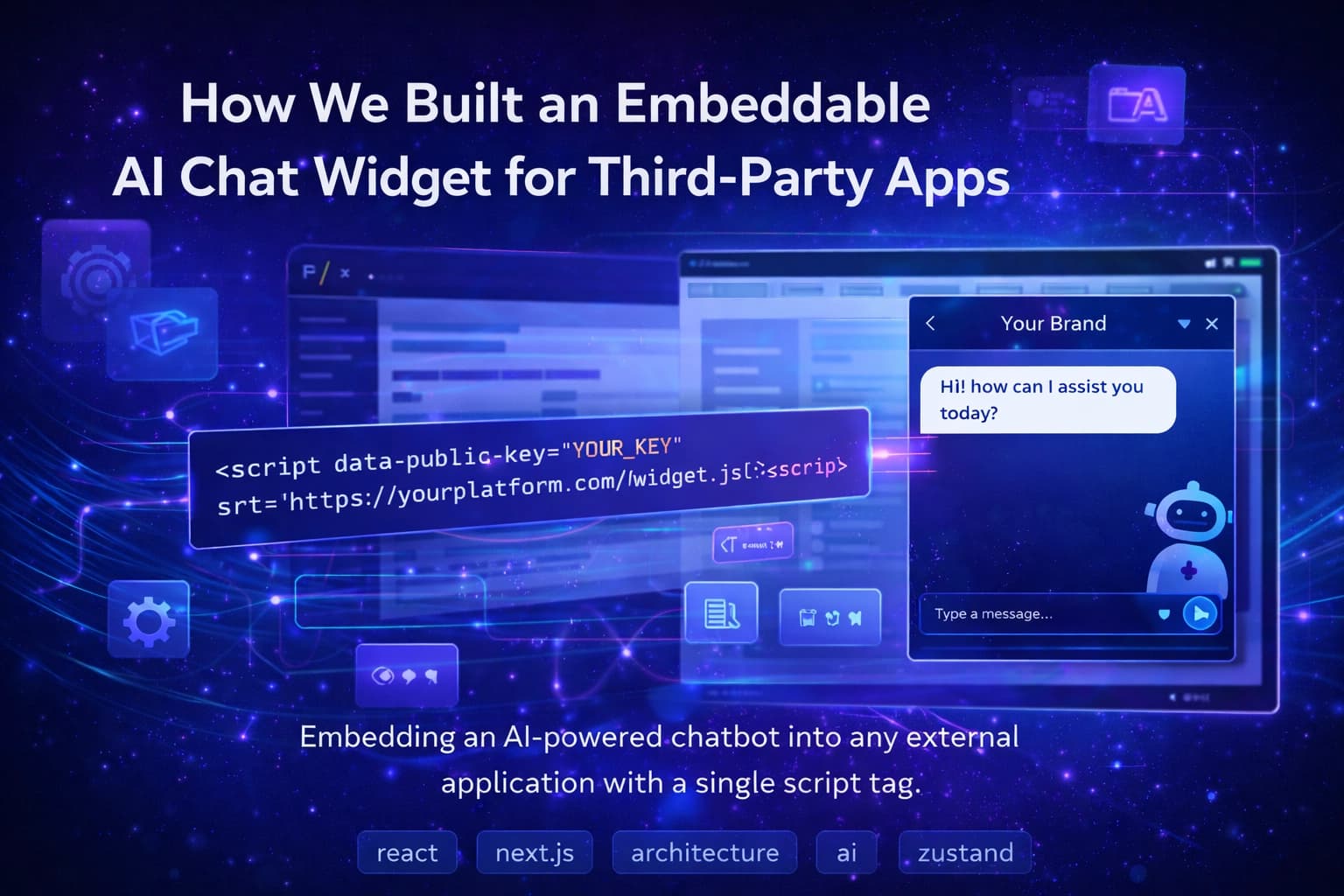
How We Built an Embeddable AI Chat Widget for Third-Party Apps
At work we had to build an AI chat widget that external clients could embed into their own websites. Not a chatbot for our own product. Something other apps could integrate with a single script tag and have it just work, with their own branding and configuration.
That constraint changed everything about how we had to build it.
iframe, Not Component Injection
The first decision was how the widget lives on a client's page. We could inject a React component directly into their DOM, or load the widget inside an iframe.
We went with iframe.
The moment your code runs inside someone else's page you inherit all their problems. Their CSS overrides your styles. Their JavaScript conflicts with yours. Their Content Security Policy might block your requests entirely. With an iframe none of that applies. The widget has its own DOM, its own styles, its own isolated environment regardless of what the client's page looks like.
The only tradeoff is that communication with the parent page has to go through postMessage. For us that was only needed for resizing the iframe when the chat opens and closes. Small price for complete isolation.
Clients integrate the whole thing with one line:
<script src="https://yourplatform.com/widget.js" data-public-key="YOUR_KEY"></script>
The script creates the iframe, loads the widget inside it, and handles everything else internally.
Authentication
Each widget is identified by a public key that's safe to expose. When the widget loads it sends that key to our backend and gets back a short-lived access token, a visitor ID, and the widget's settings. Every subsequent request uses that token.
The flow is simple. What took actual work was handling what happens when the token expires.
If a token expires mid-conversation with no recovery, the session breaks silently. The user is still typing, nothing is working, and there's no feedback. We track the expiry timestamp on the frontend and refresh before it hits zero, not after. We also had to handle the case where a token expires exactly when a request is in flight because the refresh and the original request can end up in a deadlock if you're not careful about the state transitions.
Treating the token lifecycle as a real feature rather than an edge case saved us from a class of production bugs that would have been annoying to debug.
State Management
I used Zustand for client state and React Query for server state and kept them separate on purpose.
React Query handles anything that talks to the server. Token fetching, sending messages, retries, loading states. Zustand handles UI and session state. Whether the chat is open, the current messages, the session ID, whether the token has expired.
Mixing them would have made things harder to reason about. Each has one job and they don't overlap.
The widget also gets shipped into external sites so bundle size matters more than it does in a typical app. Zustand is tiny and has no boilerplate which made it a better fit than Redux for this context.
Customization
Each client configures their widget from an admin panel. Primary color, theme, position on screen, bubble icon, welcome message, placeholder text. All of this comes back with the token response so by the time the widget renders it already knows exactly how it should look.
The one place we added constraints was colors. Free color input sounds flexible but it causes real problems in practice. Low contrast text, foreground that doesn't work on the chosen background, broken dark mode. We used a predefined accent palette instead. Clients pick from colors we already verified work in both light and dark modes. Less freedom, but the widget always looks intentional rather than broken.
Things That Were Harder Than Expected
Cross-origin behavior was the biggest one. Things that work fine in a same-origin context break silently when you're inside an iframe on a different domain. Cookie partitioning, storage access, postMessage origin validation. Some of these issues don't show up in local development at all. We found a few of them only after deploying to a staging environment with a real cross-origin setup. Test cross-origin early, not right before launch.
React Strict Mode double invocations also caught us. In development, effects run twice. For a widget that makes an API call on mount to initialize a session, this created duplicate sessions. It took a while to track down because it only happened in development and the fix isn't obvious the first time you run into it.
What I'd Tell Myself Earlier
Isolation is the whole game when you're building something that runs inside someone else's product. Every decision we made that prioritized isolation paid off. Every shortcut we considered would have caused problems we couldn't predict.
And test in a real cross-origin setup from day one. Local development hides too much.